> ## Documentation Index
> Fetch the complete documentation index at: https://docs.heffl.com/llms.txt
> Use this file to discover all available pages before exploring further.
# Moving deals between stages
As a deal progresses, you move it from one stage to the next so your pipeline always shows where each opportunity stands. This guide covers the practical ways to move deals, individually and in bulk.
 ***
## Moving a single deal from the board
On the Deals board (the **All** view), deals sit in columns by status:
1. Find the deal card you want to move
2. Click and hold it
3. Drag it to the target column
4. Release to drop it there
The deal updates to its new status instantly, and the column counts and total value adjust to match.
***
## Moving a single deal from its detail view
For finer control over the specific stage within a pipeline:
1. Open the deal by clicking it
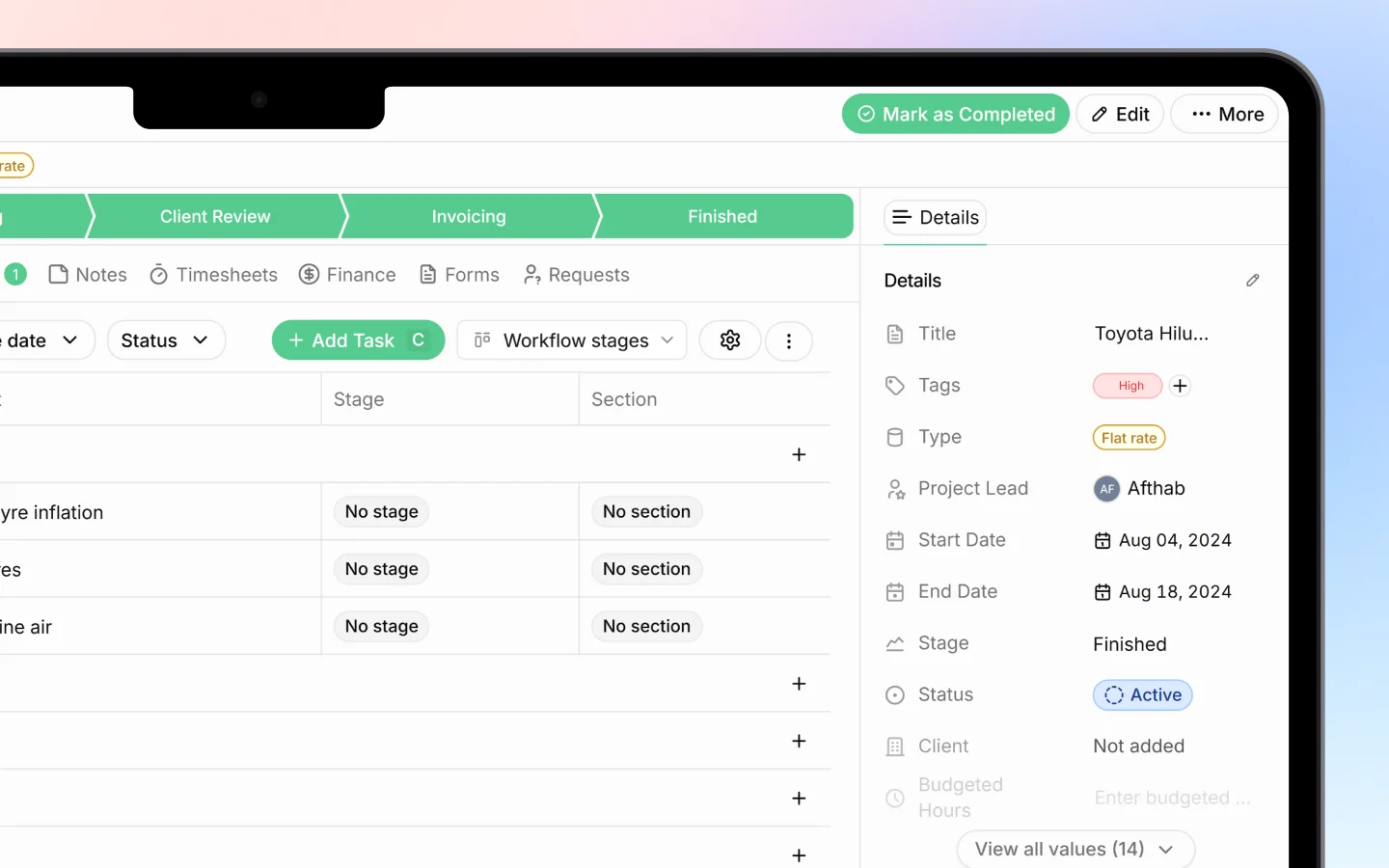
2. At the top, you will see the stage bar with all stages for that pipeline
3. Click the stage you want to move the deal to
The selected stage highlights, and the change is logged in the deal's activity history so your team can see when it moved and who moved it.
***
## Moving deals in the table view
Switch to the **Table** view if you prefer working from a list:
1. Open a deal's stage cell, or use the row's controls
2. Select the new stage
The table view is useful when you want to move several deals quickly without dragging cards around a board.
***
## What moving a deal records
Each time you move a deal, Heffl:
* Updates the deal's stage and status
* Logs the change in the activity timeline with the date and user
* Recalculates pipeline counts and total value
This audit trail means you can always trace how a deal progressed.
***
## Tips for keeping stages accurate
* Move deals as soon as something changes, not in a weekly catch-up, so the pipeline reflects reality
* Use the closing stages (Won or Lost) only when the deal is truly decided
* Record a lost reason when marking a deal Lost, so you can learn from it later
* Avoid skipping stages unless your process genuinely allows it, since stage data feeds your reports
***
## What to do next
1. Convert a won deal into a project
2. Send a [quotation](https://docs.heffl.com/creating-and-sending-quotations) from a deal
3. Review your pipeline totals to forecast revenue
***
## Moving a single deal from the board
On the Deals board (the **All** view), deals sit in columns by status:
1. Find the deal card you want to move
2. Click and hold it
3. Drag it to the target column
4. Release to drop it there
The deal updates to its new status instantly, and the column counts and total value adjust to match.
***
## Moving a single deal from its detail view
For finer control over the specific stage within a pipeline:
1. Open the deal by clicking it
2. At the top, you will see the stage bar with all stages for that pipeline
3. Click the stage you want to move the deal to
The selected stage highlights, and the change is logged in the deal's activity history so your team can see when it moved and who moved it.
***
## Moving deals in the table view
Switch to the **Table** view if you prefer working from a list:
1. Open a deal's stage cell, or use the row's controls
2. Select the new stage
The table view is useful when you want to move several deals quickly without dragging cards around a board.
***
## What moving a deal records
Each time you move a deal, Heffl:
* Updates the deal's stage and status
* Logs the change in the activity timeline with the date and user
* Recalculates pipeline counts and total value
This audit trail means you can always trace how a deal progressed.
***
## Tips for keeping stages accurate
* Move deals as soon as something changes, not in a weekly catch-up, so the pipeline reflects reality
* Use the closing stages (Won or Lost) only when the deal is truly decided
* Record a lost reason when marking a deal Lost, so you can learn from it later
* Avoid skipping stages unless your process genuinely allows it, since stage data feeds your reports
***
## What to do next
1. Convert a won deal into a project
2. Send a [quotation](https://docs.heffl.com/creating-and-sending-quotations) from a deal
3. Review your pipeline totals to forecast revenue